Improving the loading speed of your most visited web pages is one of the most important, and easiest things that you can do for your website. For most websites, this starts with shrinking your image file sizes.

Improve Page Load Times
The loading speed of your page is important for two main reasons. One, is your user experience. Sitting around waiting for a page to load is not how anyone wants to spend their time. It leads to generally unhappy website visitors, with fewer pages being visited, higher bounce rate, and all of the other delightful metrics that go along with those.
The second reason, which relates closely to the first, is that slow page loads decimate your SEO efforts. If your main pages are all loading slowly, your SERP will suffer. Combine that with the negative metrics mentioned above, and you’re bound to bury your content on the back pages of Google.
Easiest Solution: Compress Images
I mentioned earlier that this is one of the easiest problems to fix, with the biggest payoff. For most people, this is true. The easy solution to helping your page load speeds is to compress all of the images displayed on your most visited pages (all of your pages, ideally).
Most websites don’t have their images fully optimized, but the one thing that you can’t ignore when it comes to images, is their size. By compressing your images, you can remove the extra data that your image file is carrying around, without losing the sharpness and detail of your image.
Use compressor.io

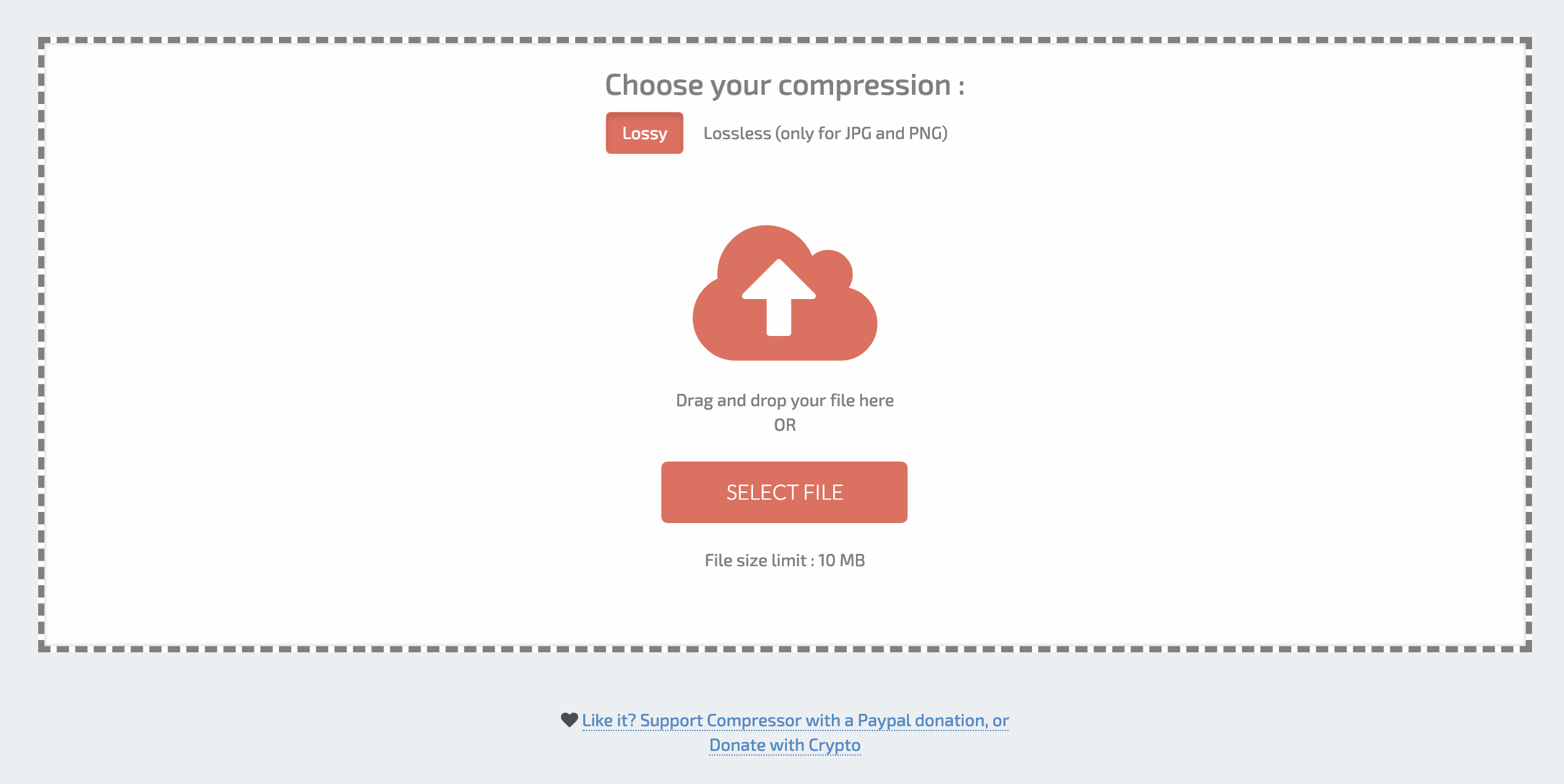
My favorite way to compress my images is at compressor.io. They offer support for a variety of image file types, and a simple interface. They offer “lossy” and “lossless” compression options. Either option allows for images to be reduced up to 90% without losing any image quality. The compressor will only pare the file size down as far as possible without image degradation. For that reason, some files experience less of a file size decrease than others.
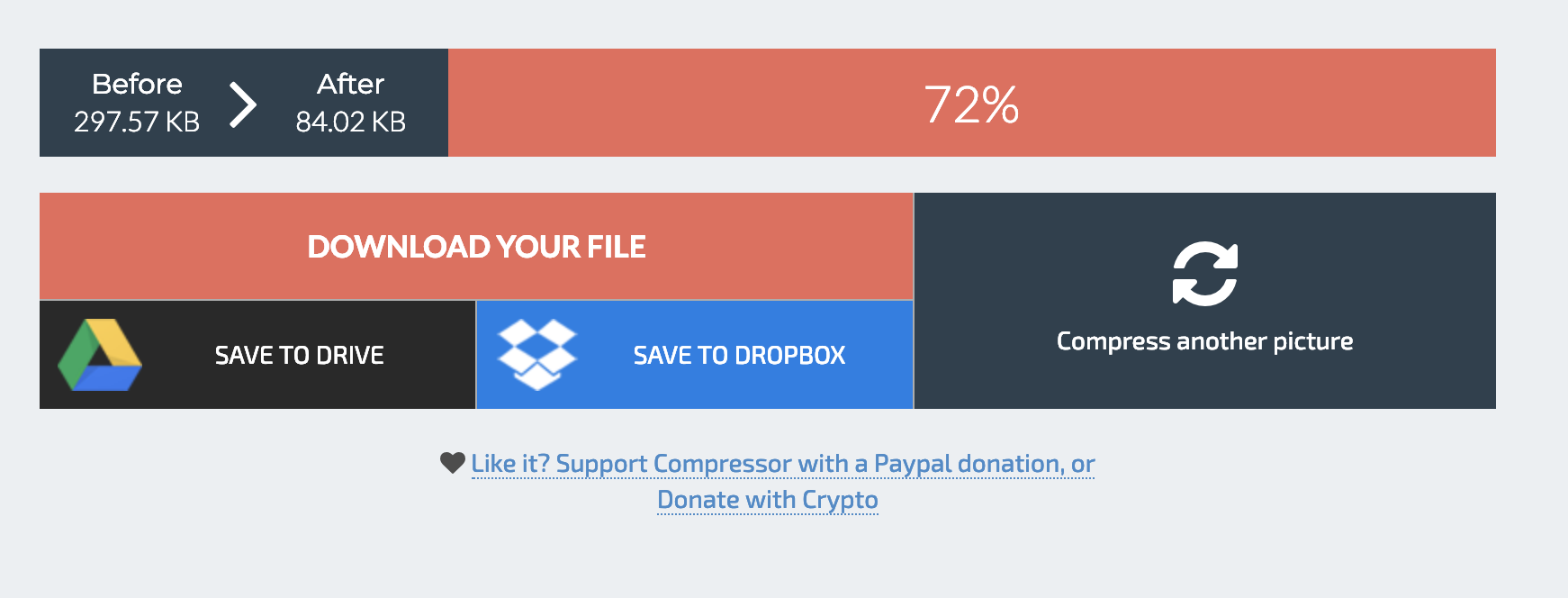
To use compressor.io, simply drag your photo onto the web page interface, and wait for it to load. Once the compression is complete, it will show you the exact percentage decrease in file size, and offer you the options to download the new file, or save it directly to your google drive or dropbox.
Use these new images to replace the ones currently on your site, and watch your page load time decrease.
If you’re looking for other ideas on how to improve your site experience, or boost your SEO efforts, check out my blog or drop me a line!

 DeMaio Digital Marketing
One thought on “Compress Images for Faster Page Loads”