Use Facebook’s look-alike audience feature to create custom ad audiences that fit your niche, quickly and easily.
Look-Alike Ad Audiences on Facebook
The best way to create a look-alike audience is to base your audience off of your best customers or prospects. Do you have recurring customers? Folks who share your posts or products? You can upload a list of email addresses for your best customers, or use Facebook’s pixel to target individuals who have visited or taken certain actions on your website. The outcome is the same though. An audience based off of the characteristics of your best prospects. Facebook will do the heavy lifting of figuring out what characteristics unite these otherwise disparate individuals, and target further prospects who share those traits.
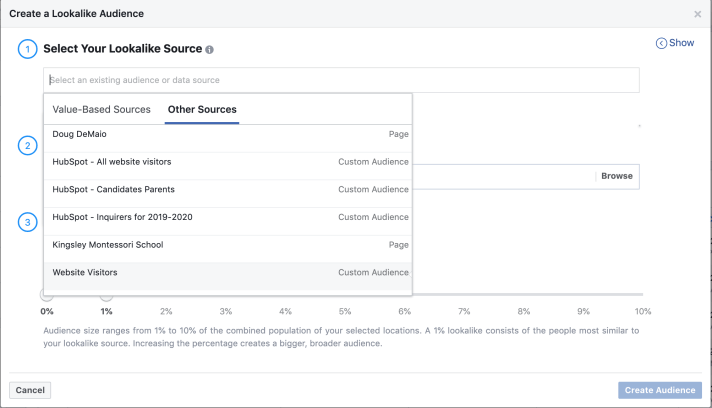
Using Facebook’s Pixel
One option for creating useful look-alike audiences, is to install the Facebook pixel on your website, which tracks which Facebook users visit and engage with your website.
Installing the Facebook Pixel
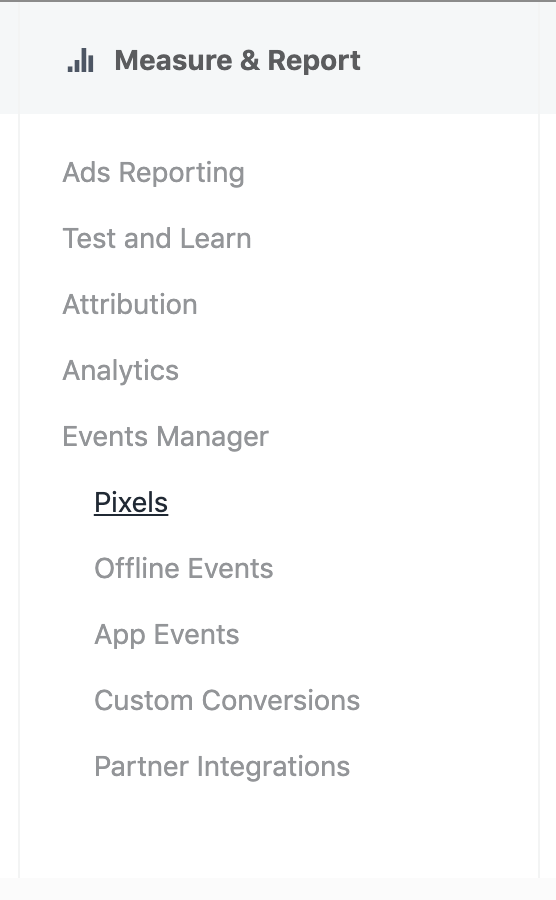
Installing the pixel is easy. You can create and copy the pixel code from your Facebook page’s event manager. Here’s an article from Facebook on how to generate and install your pixel on your site.
The process is rather simple. Once you initiate the creation of the pixel, you can add it to your site, or specific site pages, by pasting the code into your web page header.
Once your pixel is installed, and users begin visiting your site, you can use Facebook’s custom audience feature, to create an audience based on your site visitors. This is a great feature in and of itself, to target ads at individuals who have already engaged with your page. But you can take it one step further by using look-alike ad audiences, built to mimic the characteristics of your site visitors.
Using Your Own List
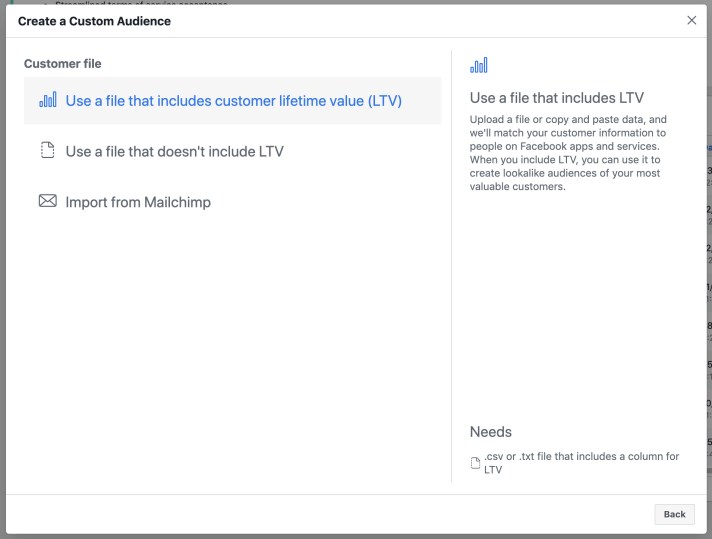
Beyond utilizing Facebook’s pixel, you can also create custom audiences, and look-alike audiences based off of your own contact lists. You can upload any list of your contacts’ email addresses, however you decide to segment them.
By creating your own lists, you can target specific types of prospects, create look-alike audiences of those specific people, and target your offers accordingly. Just upload your list into the custom audience section of your assets tab, within your Facebook business manager.
Creating Look-Alike Audiences
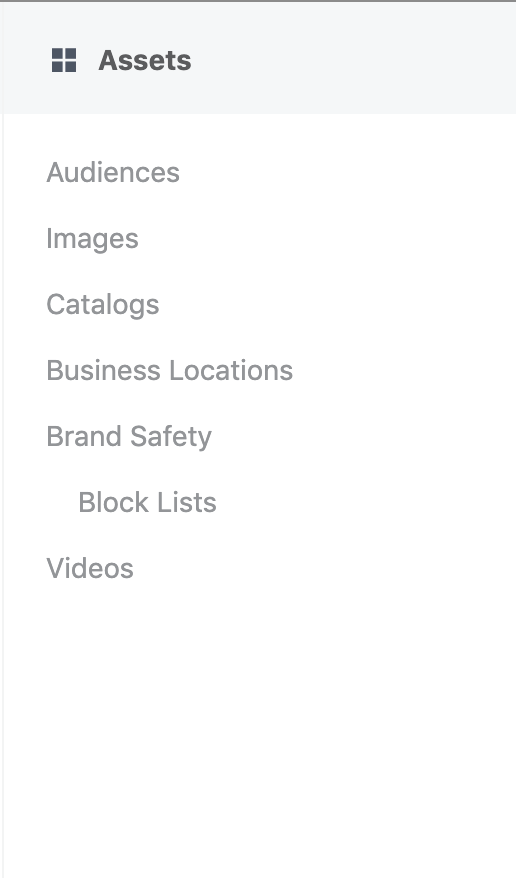
Navigate to your business manager page, and click the drop down menu in the top left corner. In the Assets section of the menu, you’ll see the option for Audiences. Once in this page, you can view the audiences you’ve created, or create new audiences. This is where you’ll create both custom audiences, and look-alike audiences. Choose the look-alike option from the Create Audience drop-down, and upload your user list there. If you’re dealing with a new list, you’ll have to “create a new source” and upload your list as a custom audience.
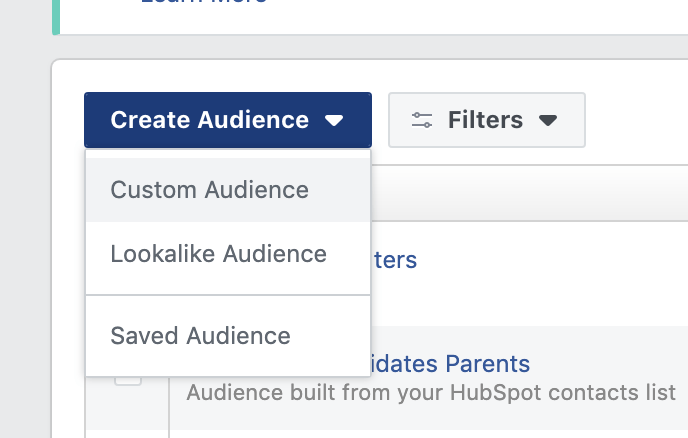
At this point you’re given a number of options, but they are rather self-explanatory. To create look-alike audiences you’ll want to choose: Create a Data File Custom Audience with LTV. When you select this link, you’ll be prompted to Prepare a File with Your Customer Data. They list a number of identifiers that you can use to help Facebook match your audience to actual Facebook users. Generally, an email address will be a great start, but you may not have the same email address on file as the prospect used to sign up for Facebook. A general rule of thumb is that the more accurate information you can include, the better.

Once you’ve created and formatted your list, getting it uploaded and creating an audience is a breeze.

Upload your file and Facebook will match your contacts with actual Facebook users, analyze who those people are, and begin finding other people who match their criteria. Facebook will automatically populate this audience, and it will appear in your choices when you create your next ad campaign.
Conclusion
There are a few different ways to create look-alike audiences, but they are all pretty simple once you give them a shot. Once your look-alike audience is populated, you can choose it from your ad audiences for your future Facebook ads, or tweak it for new campaigns. No targeting or demographics required, to deliver your ad to the right people on Facebook.
If you want to learn more, or need help setting up a high-conversion Facebook ad campaign, drop me a line! Happy to help.

 DeMaio Digital Marketing
6 thoughts on “Target High-Converting Prospects with Look-Alike Audiences”